How to Generate Invoice PDFs with an API

· 11 min read
Michał Szymanowski
Michał Szymanowski
PDFBolt Co-Founder

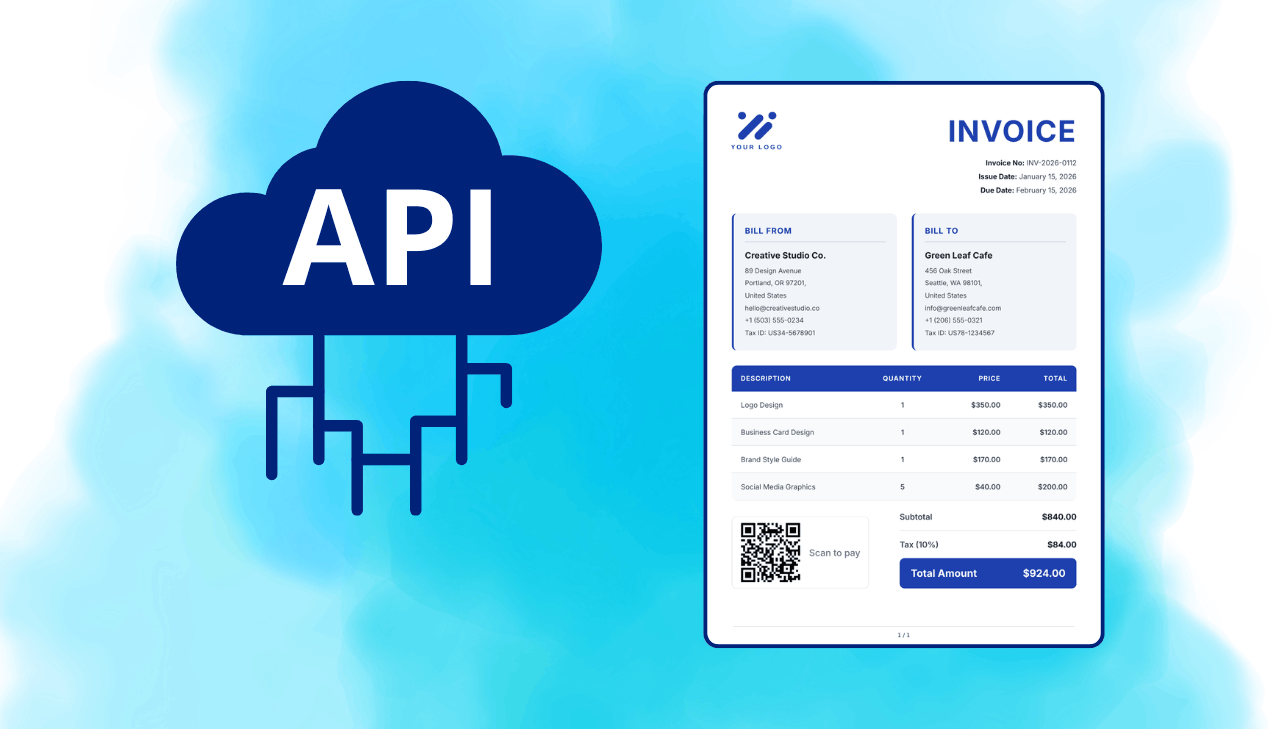
Generate invoice PDF with an API – HTML template to PDF conversion example

Every SaaS product and e-commerce store eventually needs to generate invoice PDFs. Most teams start with a Word template, Canva, or a drag-and-drop builder, and that works fine for five invoices a month. Once you hit hundreds or thousands, you need something that runs without human input.

This guide covers three ways to generate invoice PDFs with an HTML to PDF API: raw HTML templates, Handlebars-based templates with dynamic data, and AI-generated templates. Complete with working code in Node.js and Python that you can run.

Compress PDF via API: Reduce File Size Programmatically

· 7 min read
Milena Szymanowska
Milena Szymanowska
PDFBolt Co-Founder

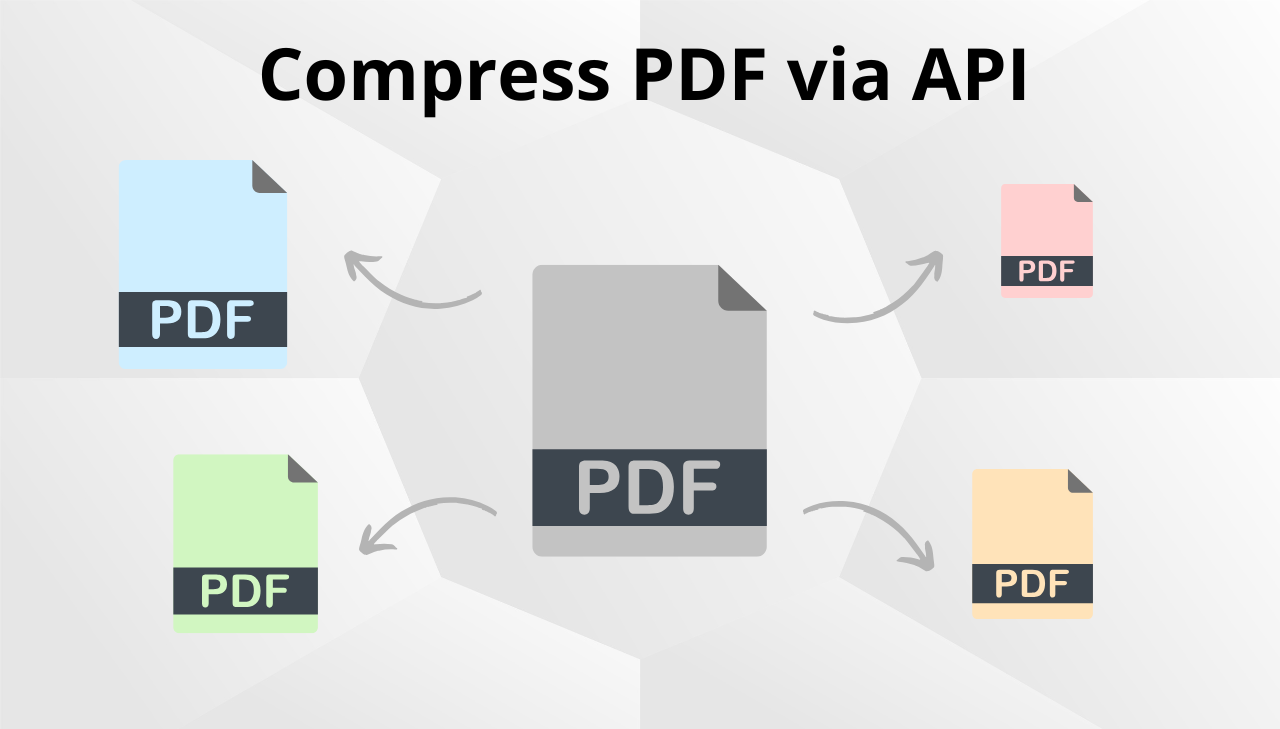
Compress PDF via API with multiple compression levels

PDFs generated from HTML or web pages with images can get large. A product catalog with high‑resolution photos might produce a 15 MB file. An annual report with charts and screenshots could hit 8 MB. These sizes cause real problems: slow downloads, email attachment limits, expensive storage, and poor user experience. Manual compression through Acrobat or online tools doesn't work when you're generating hundreds of PDFs programmatically. You need compression that runs as part of your generation pipeline – and with a PDF compression API, you can apply it in the same request that creates the PDF.

AI PDF Generator: Create PDF Templates from Text

· 7 min read
Michał Szymanowski
Michał Szymanowski
PDFBolt Co-Founder

AI PDF generator creating document templates from text descriptions

PDF generation has always been a developer task. You write HTML, style it with CSS, configure page settings, and connect it to a rendering engine. The template alone can take days, especially for complex documents like financial reports with charts, multi-page contracts with conditional sections, or product catalogs with varied layouts. PDFBolt's AI PDF generator changes this workflow. Instead of writing code, you describe the document you want. The AI builds the PDF template, you connect your data, and the API produces PDFs.

Print-Ready PDF Generation: PDF/X-1a and PDF/X-4 via API

· 10 min read
Milena Szymanowska
Milena Szymanowska
PDFBolt Co-Founder

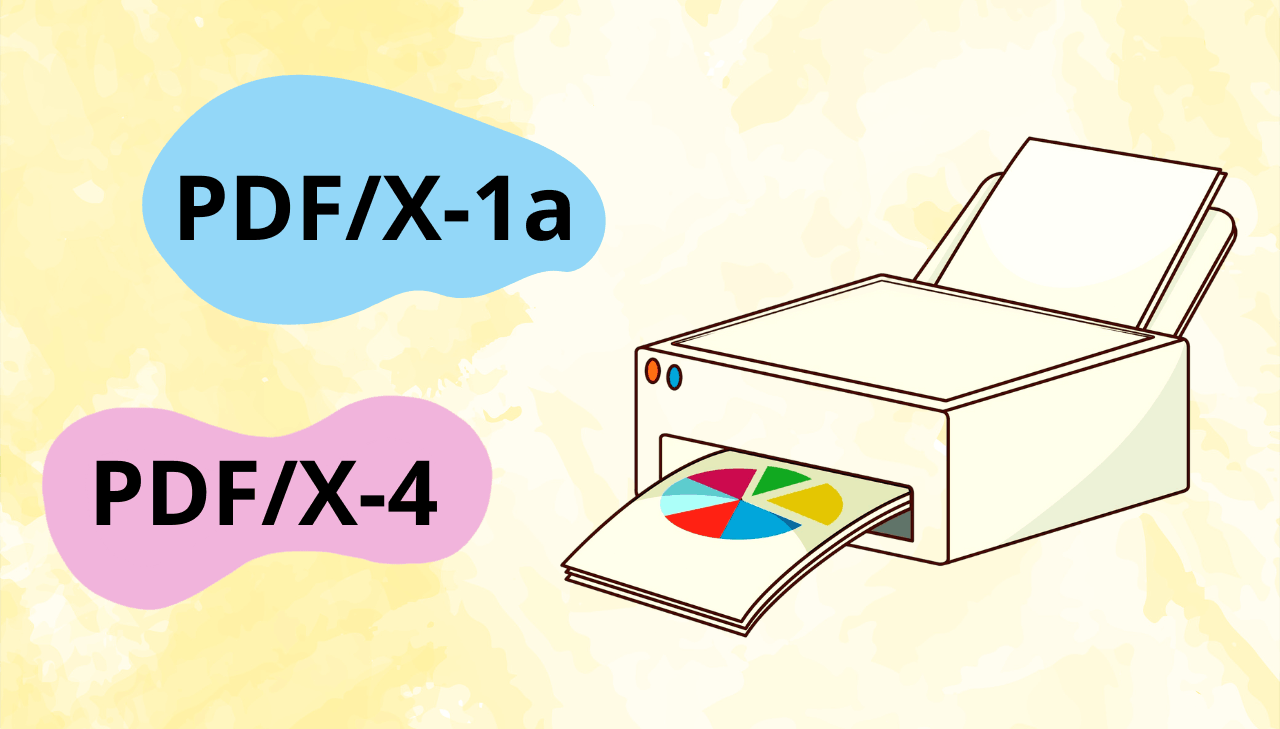
Print-ready PDF generation with PDF/X-1a and PDF/X-4 standards using PDFBolt API

Sending a regular PDF to a commercial printer is a gamble. Colors shift because RGB doesn't translate cleanly to ink on paper. Fonts render differently or go missing. Transparent elements break at the RIP stage, leaving white boxes where gradients should be. Print shops deal with these problems daily. The fix is a set of ISO standards called PDF/X that enforce strict rules about color spaces, fonts, and transparency. This article covers what PDF/X-1a and PDF/X‑4 are, when to use each, and how to generate compliant files programmatically through an API.

How to Automate PDF Generation in n8n

· 8 min read
Michał Szymanowski
Michał Szymanowski
PDFBolt Co-Founder

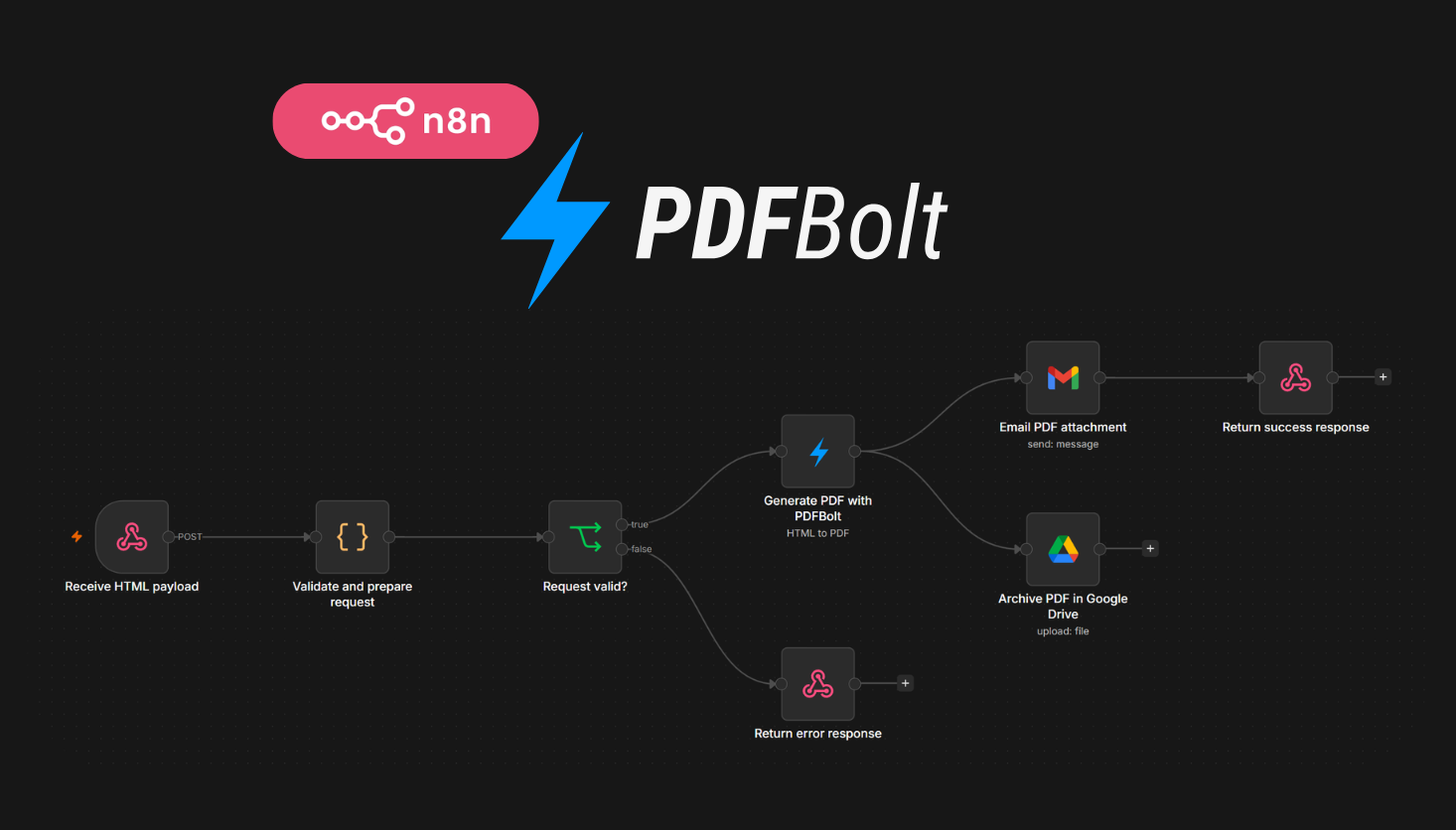
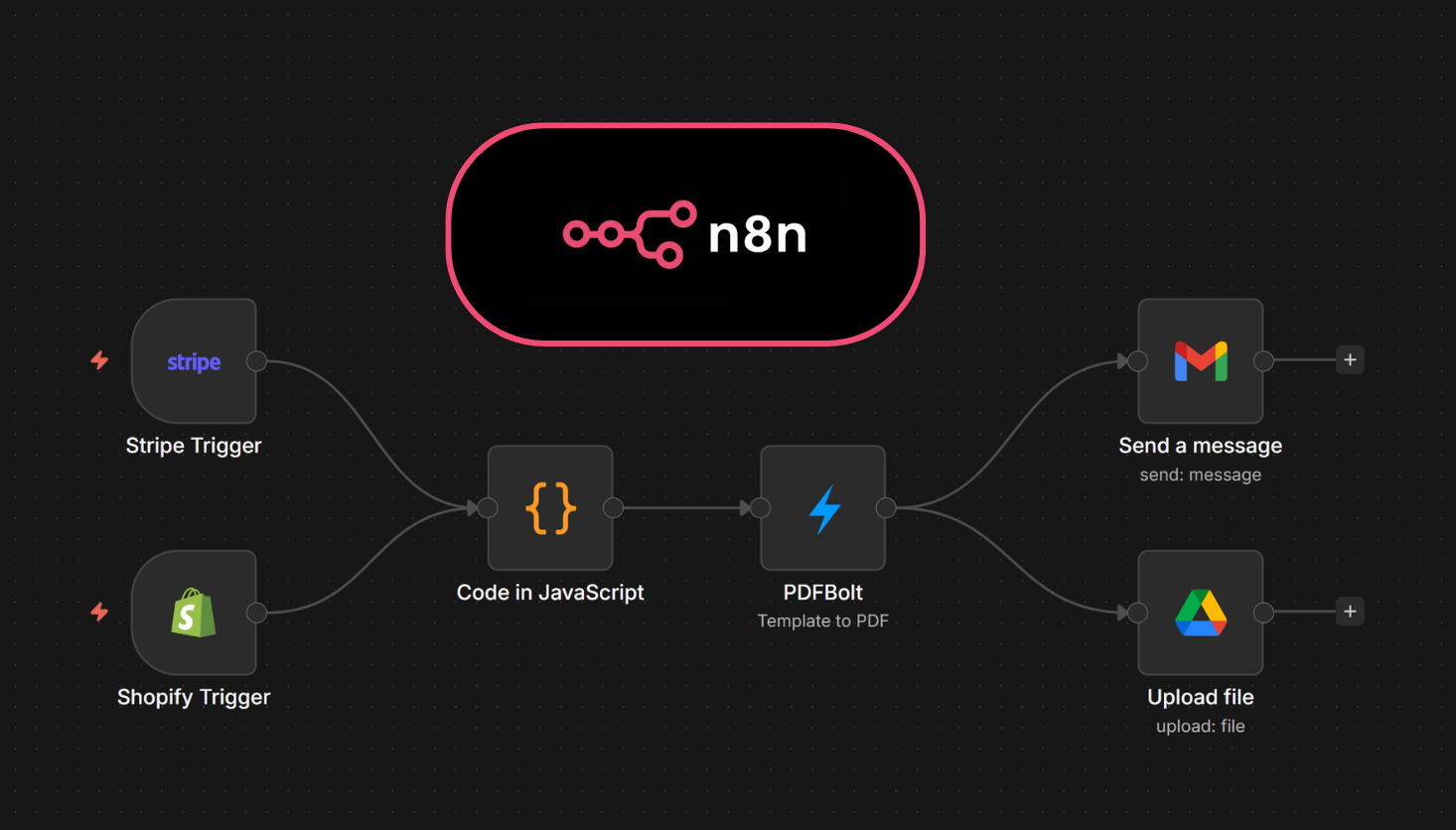
n8n PDF automation workflow for automated PDF generation of invoices, reports, and certificates using PDFBolt API

Most n8n workflows eventually need to produce documents – invoices after purchases, scheduled reports, certificates for course completions. Setting up PDF generation inside n8n usually means dealing with HTML rendering quirks or managing headless browser instances. PDFBolt's API plugs directly into n8n's HTTP Request node, so you send template data and get back a finished PDF. No browser setup, no rendering config – just an API call.

PDF Templates: Reusable Layouts for PDF Generation

· 7 min read
Michał Szymanowski
Michał Szymanowski
PDFBolt Co-Founder

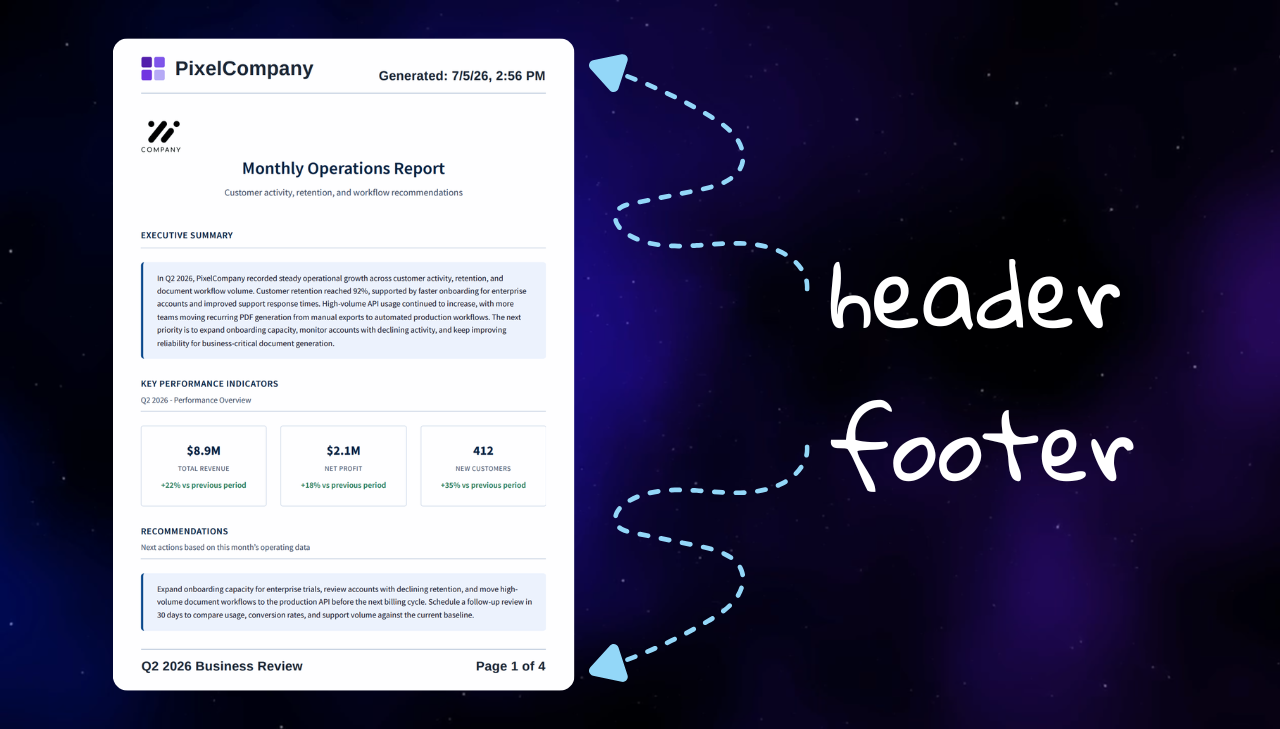
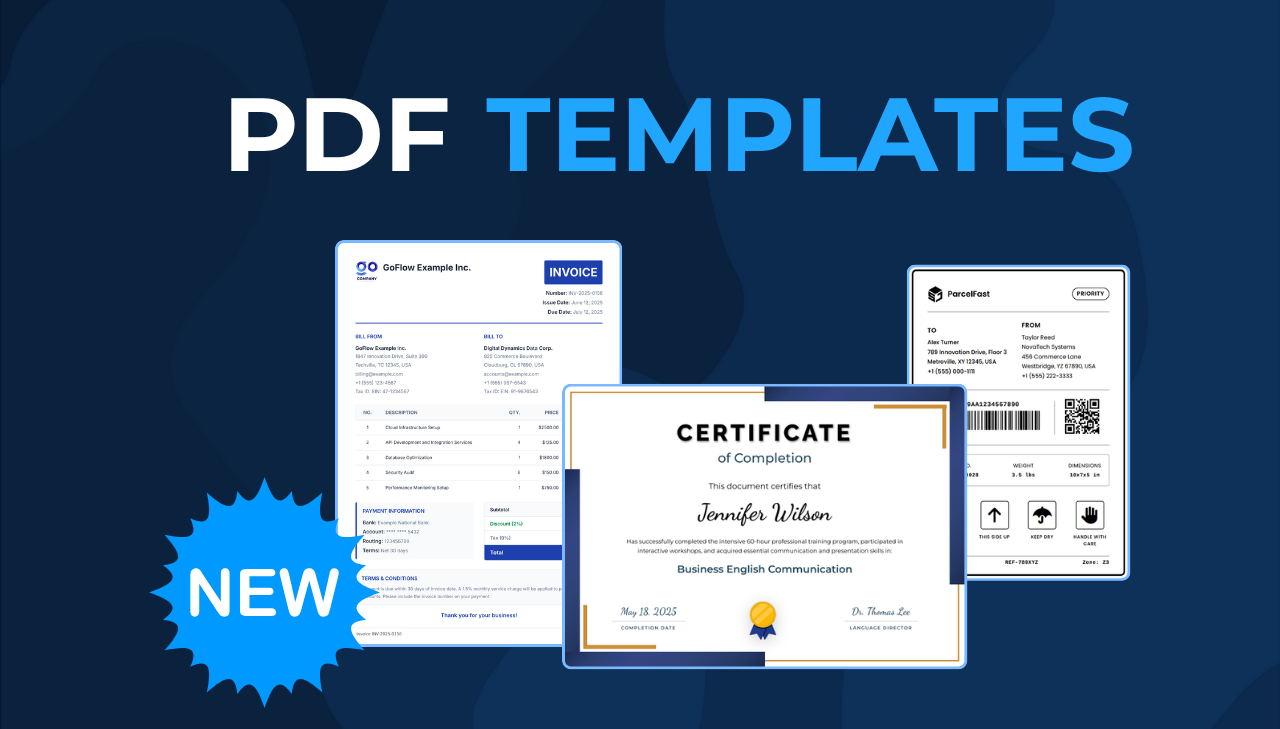
Introducing PDFBolt Templates Feature

PDFBolt Templates is a new feature that separates design from data in PDF generation. Instead of rebuilding HTML for every document, create reusable layouts once and populate them with dynamic data. Invoices, certificates, reports – Templates make your workflow faster and easier to maintain.

Top PHP PDF Libraries Compared

· 15 min read
Michał Szymanowski
Michał Szymanowski
PDFBolt Co-Founder

Best PHP PDF Libraries 2025 - comparing PHP PDF libraries DomPDF, TCPDF, mPDF, Snappy, FPDF with download statistics

PHP remains the language behind most of the web, and PDF generation is a common task in PHP applications – invoices, reports, certificates, shipping labels. The library you pick affects performance, maintenance cost, and how much CSS/HTML you can reuse. The PHP ecosystem has several approaches: pure PHP HTML to PDF conversion, programmatic document construction, and browser-based rendering. This guide compares the most popular PHP PDF libraries with Packagist download numbers, working code examples, and a side-by-side feature table so you can choose the right fit for your project.

Top Ruby on Rails PDF Generation Gems Compared

· 16 min read
Michał Szymanowski
Michał Szymanowski
PDFBolt Co-Founder

Ruby on Rails PDF gems comparison chart 2025 - download statistics

Ruby on Rails developers regularly need to generate PDFs – invoices, reports, certificates, shipping labels – and the choice of library affects both performance and long-term maintenance. The Rails ecosystem in 2025 offers many approaches, from programmatic libraries to browser-powered rendering engines. This guide compares the most popular Ruby PDF gems, backed by real download metrics and practical code examples, so you can pick the right Ruby HTML to PDF solution for your project.

HexaPDF Ruby Tutorial: PDF Generation in Rails

· 15 min read
Michał Szymanowski
Michał Szymanowski
PDFBolt Co-Founder

Ruby on Rails PDF generation with HexaPDF library tutorial

Many Ruby on Rails applications need PDF features that go beyond basic document creation. HexaPDF is a pure Ruby library built for both generating and manipulating PDF files. Unlike libraries that focus only on PDF generation, HexaPDF covers the full PDF lifecycle – from programmatic document creation to modifying existing files. It supports digital signatures, encryption, form handling, and document merging, making it a good fit for Rails applications with complex document workflows.

HTML to PDF in Rails with Puppeteer-Ruby Gem

· 11 min read
Michał Szymanowski
Michał Szymanowski
PDFBolt Co-Founder

Generate PDF from HTML using Puppeteer-Ruby in Ruby on Rails

Web applications frequently need to generate high-quality PDF documents from HTML content – invoices, reports, certificates, and business documentation. Puppeteer-Ruby is a pure Ruby port of Google's Puppeteer API that gives you direct access to Chrome's rendering engine for Ruby on Rails PDF generation. This guide walks you through implementing HTML to PDF conversion using Puppeteer-Ruby, producing high-quality results with full support for modern CSS and JavaScript.