What is PDF? Technical and Practical Overview

The Portable Document Format – commonly known as PDF – is everywhere: job applications, business proposals, legal contracts, government forms. Since 1993, the format has become the default for sharing documents that need to look the same on every device. But what makes PDF so durable, and why has it stayed relevant for over three decades?
The Birth and Evolution of PDF
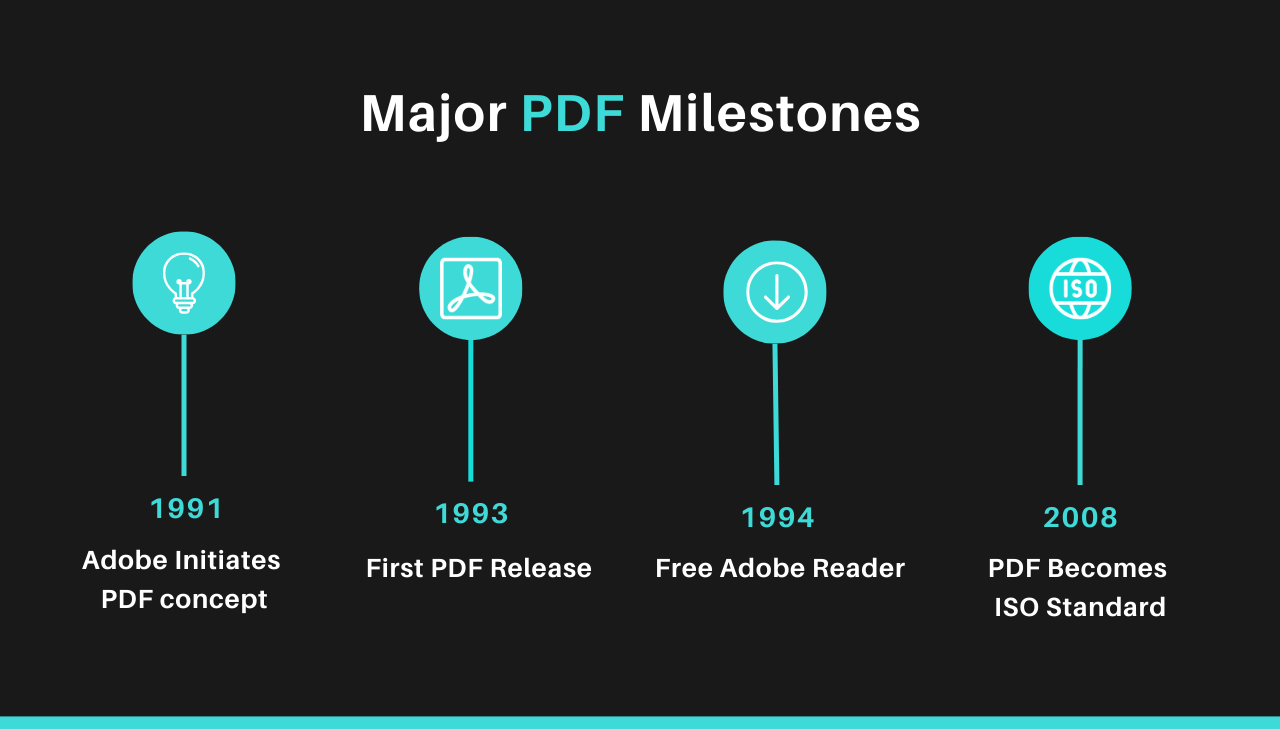
The PDF (Portable Document Format) was created by Adobe co-founder John Warnock in the early 1990s as part of a vision he called The Camelot Project. The goal was to create a file format that could preserve document formatting across different computer systems and applications. Before PDF, sharing documents between different operating systems or software was often a nightmare of missing fonts, broken layouts, and general formatting chaos.
When Adobe released the first version of PDF in 1993, they solved a fundamental problem in digital document exchange.
The format was designed to be:
- Platform-independent: A PDF would look identical whether viewed on Windows, Mac, or any other system.
- Self-contained: All necessary fonts, images, and formatting would be embedded in the file itself.
- Compact: Documents could be compressed to manageable file sizes without losing quality.
What many don't realize is that PDF was initially a commercial failure. The format didn't gain immediate traction because both creating and viewing PDFs required expensive Adobe software. The turning point came when Adobe made a strategic decision in 1994 to offer the Acrobat Reader (now Adobe Reader) for free, while continuing to sell the PDF creation tools.
From Proprietary Format to Open Standard
A major milestone in PDF history came in 2008 when Adobe relinquished control of the format specifications to the International Organization for Standardization (ISO), making PDF an open standard (ISO 32000). This move ensured that:
- The format would remain vendor-neutral.
- Specifications would be publicly available.
- Development would continue through international collaboration.
As the format matured, several specialized PDF standards emerged for specific use cases:
- PDF/A: For archival and long-term preservation.
- PDF/X: For print production and graphic arts exchange.
- PDF/E: For engineering documents.
- PDF/UA: For universal accessibility.
- PDF/VT: For variable data printing and transactional printing.
These standards let PDFs meet specific industry requirements while staying compatible with standard PDF readers.
Adobe's licensing model played a key role in PDF's adoption:
- Royalty-free – Adobe licenses PDF technology without royalties for compliant software.
- Open standard – PDF became ISO 32000 in 2008, no longer controlled by a single company.
- Universal – Built into most operating systems, browsers, and mobile devices.
Open licensing and ISO standardization made PDF one of the most widely supported document formats.
Why PDFs Became the Universal Standard
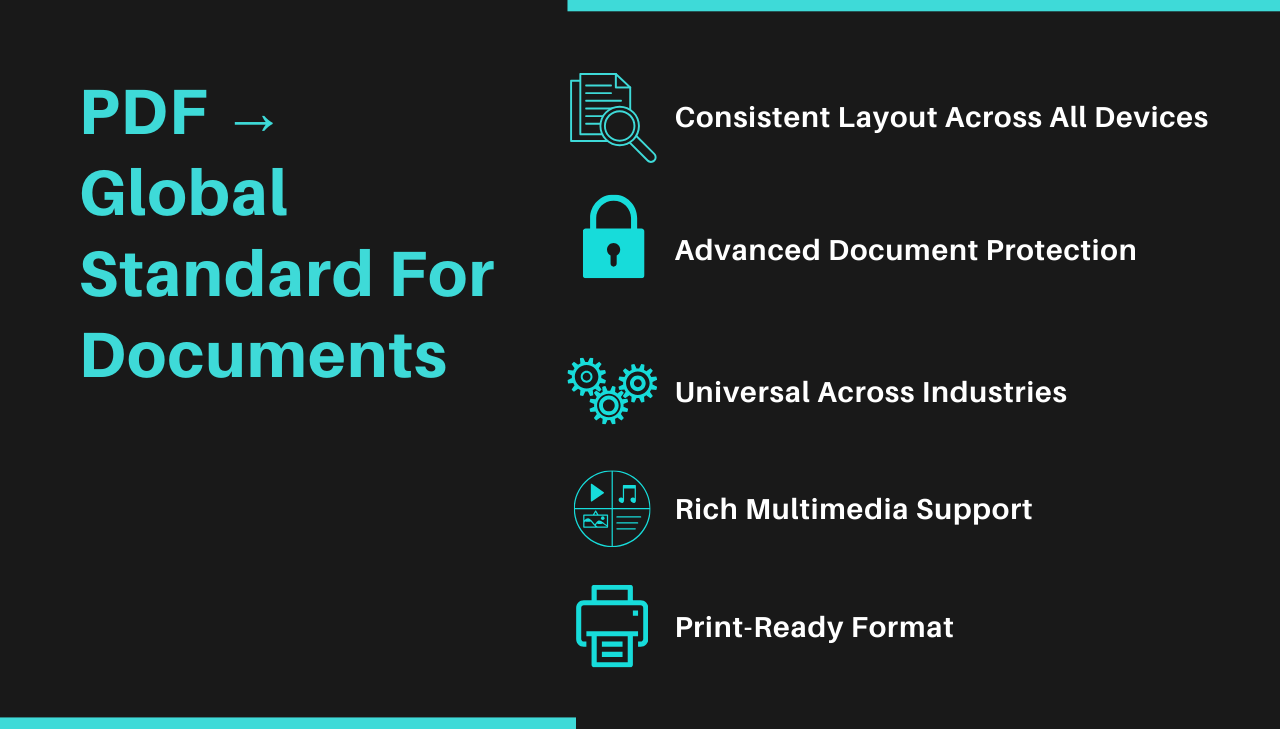
The PDF format has several advantages that explain its long-term adoption.
1. Preservation of Document Integrity
Perhaps the greatest benefit of PDFs is their ability to preserve document fidelity regardless of the hardware or software used to view them. When you create a PDF, what you see is literally what others will get every time. This fixed layout approach ensures that:
- Fonts appear exactly as intended, even if the viewer doesn't have them installed.
- Page layouts remain consistent across all devices and screen sizes.
- Graphics, images, and visual elements maintain their exact positioning.
- Page breaks occur in the same places, preserving pagination.
2. Enhanced Security Features
PDFs offer several security options that make them ideal for sensitive documents:
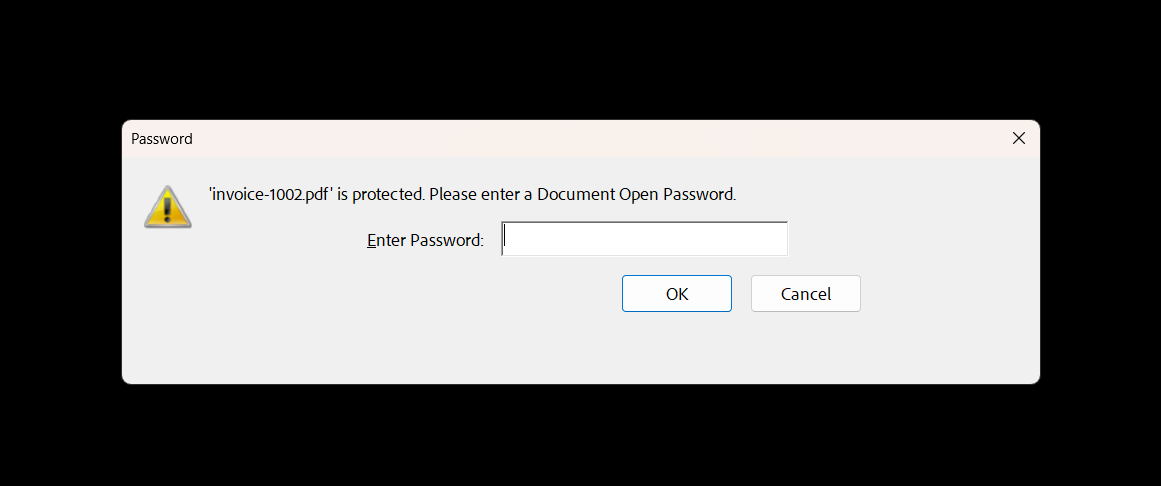
- Password protection: Documents can be secured with passwords for opening or editing.
- Digital signatures: Support for cryptographic signatures validates document authenticity.
- Permission controls: Authors can restrict printing, copying, or modification of content.
- Encryption: Content can be encrypted to prevent unauthorized access.
3. Versatility Across Industries
The format has evolved to support specialized needs across various sectors:
- Legal: Electronic court filings and legally binding documents.
- Healthcare: Medical records compliant with privacy regulations.
- Finance: Banking statements and financial reports.
- Publishing: E-books and digital publications.
- Engineering: Technical drawings and specifications.
- Education: Course materials and academic papers.
4. Universal Accessibility
The availability of free PDF readers has made the format accessible to virtually everyone with a computing device. Modern web browsers can even display PDFs without additional software, further reducing barriers to access.
5. Page Independence and Reliability
Unlike PostScript (Adobe's printing language that preceded PDF), PDF enforces strict page independence – ensuring a problem on one page won't affect others. This approach creates documents that render predictably across decades of technology changes, making documents readable years or decades after creation.
6. Rich Media and 3D Support
Modern PDFs can contain far more than static content. Since version 1.6, the format supports embedded 3D models that users can rotate and explore, along with audio, video, and interactive elements – keeping PDF relevant in an increasingly multimedia world.
7. Print Industry Standard
PDF/X standardized professional printing by solving complex compatibility issues that plagued print workflows. With exacting standards for color reproduction and CMYK conversion using ICC profiles, it eliminated costly printing errors, making PDF the universal bridge between digital design and physical printing.
If you already have the final file, use the free PDF/X converter to convert it to PDF/X-4 or PDF/X‑1a with the ICC profile your print provider specified.
The Technical Magic Behind PDFs
While PDFs appear simple on the surface, the technology behind them is more complex than it looks. Understanding these technical aspects helps appreciate why PDFs remain so valuable.
The PDF Object Model
At its core, a PDF file is a collection of objects that describe the document's content and appearance. These objects include:
- Text streams with font specifications.
- Vector graphics with path descriptions.
- Raster images with compression settings.
- Interactive elements like forms and hyperlinks.
- Metadata about the document and its contents.
This object-based approach allows PDFs to maintain perfect visual fidelity while also supporting searchability and light editing capabilities.
Graphics and Text Technologies
PDF employs several technical innovations to handle content:
- A precise coordinate system positions every element exactly where it belongs.
- Text characters are mapped to exact positions rather than flowing like in word processors.
- Fonts can be embedded or referenced through standardized descriptors.
- Vector graphics use mathematical paths rather than pixels, ensuring crispness at any scale.
- The "graphics state" controls properties like color, line width, and transparency.
Compression and Optimization
PDFs use various compression algorithms to keep file sizes manageable:
- JPEG and JPEG2000 for photographic images.
- JBIG2 for black and white images (like scanned text).
- Flate/Deflate (similar to ZIP compression) for text and vector graphics.
- CCITT for fax-type documents.
A well-optimized PDF can achieve remarkable compression ratios without visible quality loss, making the format practical for web distribution and email attachment.
Use the free PDF compressor when a PDF is too large for email, uploads, or document portals, and you don't want to rebuild the document.
PostScript is PDF's direct ancestor:
- PDF evolved from PostScript, Adobe's page description language released in 1984.
- While PostScript is a full programming language, PDF is a simplified document format.
- PDF keeps PostScript's graphics precision but removes programming elements for better security and portability.
The Evolution of PDF: From Static to Interactive
While PDFs began as essentially digital paper, they've evolved into interactive documents with capabilities such as:
- Fillable forms: Interactive fields for data collection.
- Multimedia embedding: Support for audio, video, and 3D models.
- JavaScript execution: For creating dynamic document behaviors.
- Hyperlinks and navigation: Both internal and external linking.
- Accessibility features: Support for screen readers and assistive technologies.
Modern PDFs support interactive content while still rendering consistently across platforms.
See examples of interactive PDFs on Publuu 👀Working with PDFs in the Modern Digital Ecosystem
Today's digital workflows often involve PDF creation, modification, or data extraction. Modern developers have numerous options for programmatically working with PDFs:
- Server-side conversion: Transforming HTML to PDF, Office documents, or other formats.
- PDF generation libraries: Creating PDFs programmatically from data sources (see How to Generate PDFs in 2025).
- PDF parsing: Extracting text, images, or structured data from existing PDFs.
- PDF manipulation: Merging, splitting, or otherwise modifying existing documents.
The ability to integrate PDF functionality into applications and automated workflows keeps the format relevant in modern development.
The Future of PDF
Despite being nearly three decades old, PDF continues to evolve with modern technology trends:
- Cloud-based PDF processing: Moving PDF operations from desktop applications to cloud services.
- Machine learning enhancements: Improving text recognition, document categorization, and data extraction.
- Blockchain integration: Using distributed ledger technology for document verification.
- Adaptive layout improvements: Developing better ways to display fixed-layout PDFs on mobile devices.
While newer formats have emerged for specific use cases, PDF's core benefits – reliable display, wide compatibility, and document integrity – keep it relevant.
Limitations of PDF
Despite its widespread adoption, PDFs have several notable limitations:
1. Editing Challenges
The fixed layout that makes PDFs reliable also makes them difficult to edit without the original source document.
2. Size and Performance Issues
Documents with high-resolution images or complex graphics can become excessively large, impacting email systems and loading times.
3. Mobile Experience Limitations
The fixed layout requires constant zooming on mobile devices, offering poor reading experience compared to responsive formats.
4. Accessibility Barriers
Untagged PDFs create significant obstacles for screen readers and assistive technologies.
The PDF/UA (Universal Accessibility) standard requires documents to be properly tagged, ensuring equal access to information for people with disabilities. PDFBolt supports generating tagged PDFs via the tagged parameter.
5. Data Extraction Difficulties
Extracting structured information from PDFs often requires specialized tools and frequently loses formatting integrity.
PDF Alternatives: When to Use Something Else
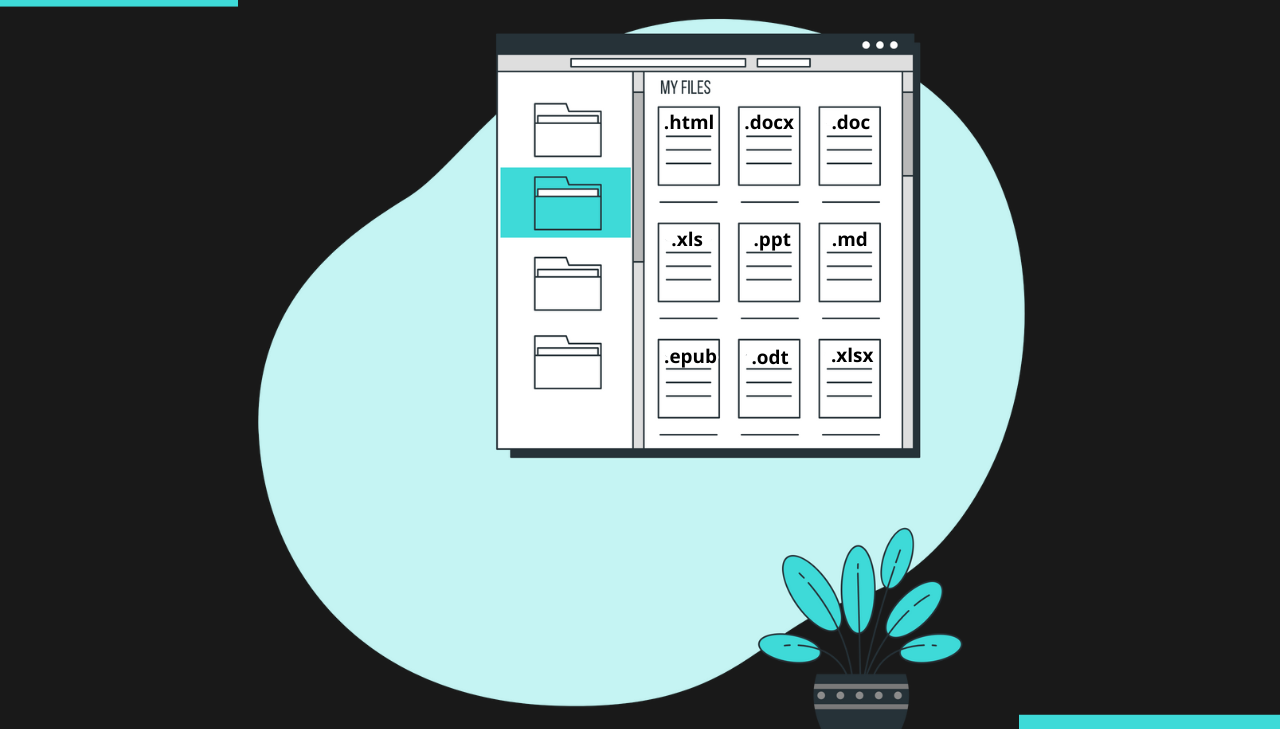
While PDF excels in many scenarios, alternative formats may be better suited for specific use cases.
| Format | Best For | Key Advantages | When to Choose Over PDF |
|---|---|---|---|
| HTML/CSS | • Web content • Responsive documents | • Adapts to screen sizes • Better accessibility | Ideal for responsive or regularly updated content. |
| EPUB | • E-books • Digital publications | • Reflowable text • Better reading experience | For digital reading, especially on e-readers. |
| Office Formats | • Collaborative documents | • Full editing • Real-time collaboration | When ongoing editing or collaboration needed. |
| ODF | • Open-source environments | • No vendor lock-in • Open standard | For vendor-neutral requirements. |
| Markdown | • Simple documents • Documentation | • Lightweight • Version-control friendly | When simplicity and flexibility matter. |
PDF in the Real World: Where It Excels
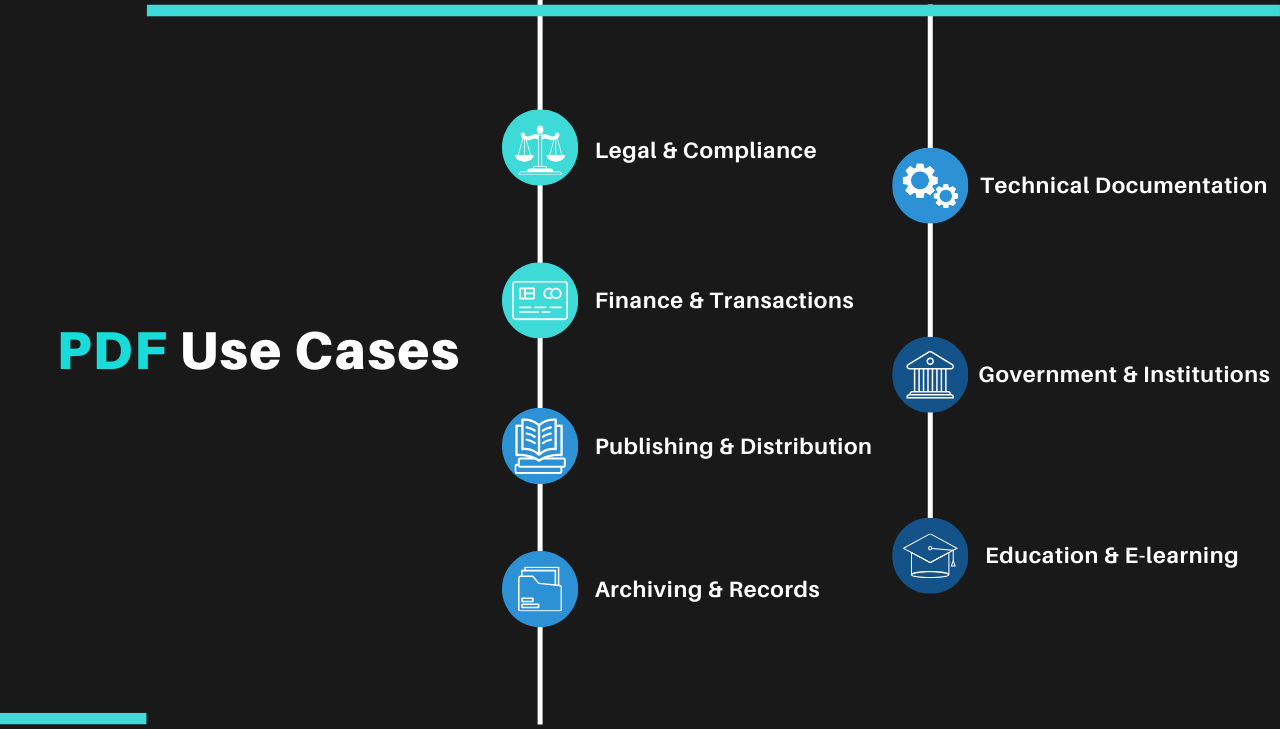
Legal and Compliance Documents
- Why PDF works: Non-editable format with digital signature support ensures document integrity.
- Examples: Contracts, court filings, regulatory submissions.
Financial and Transactional Records
- Why PDF works: Secure delivery with consistent formatting for sensitive information.
- Examples: Invoices, statements, tax documents.
Publication and Distribution
- Why PDF works: Consistent presentation across all platforms with print-quality output.
- Examples: Research papers, brochures, reports.
Archival and Records Management
- Why PDF works: Self-contained format with long-term stability (PDF/A).
- Examples: Medical records, historical documents.
Technical Documentation
- Why PDF works: Precise reproduction of diagrams with support for 3D models.
- Examples: Engineering specifications, product manuals.
Government and Institutional Forms
- Why PDF works: Accessibility and compliance with submission requirements.
- Examples: Tax forms, application forms, regulatory filings.
Business Document Workflow and Collaboration
- Why PDF works: Enables smooth approvals, easy sharing, and secure collaboration in corporate workflows.
- Examples: Reports, proposals, employee handbooks, approval forms, HR documents.
Education and E-Learning Materials
- Why PDF works: PDFs ensure consistent formatting for study materials, assignments, and textbooks.
- Examples: Course syllabi, e-books, academic papers, certificates, educational resources.
Convert HTML to PDF with a simple API call. PDFBolt HTML to PDF API handles rendering with headless Chrome and returns PDFs via a REST endpoint. Browse ready-made PDF templates to get started faster.
Conclusion
Since 1993, PDF has grown from a simple document-sharing format into a standard used across legal, financial, healthcare, and publishing workflows. The format's fixed layout, built-in security, and cross-platform compatibility explain why it remains the default choice for document exchange.
If you need to generate PDFs from HTML, a URL, or templates, PDFBolt's API handles rendering via headless Chrome and returns production-ready PDFs.
Stay PDF-tastic and keep your documents flawless! 😎