Subscription
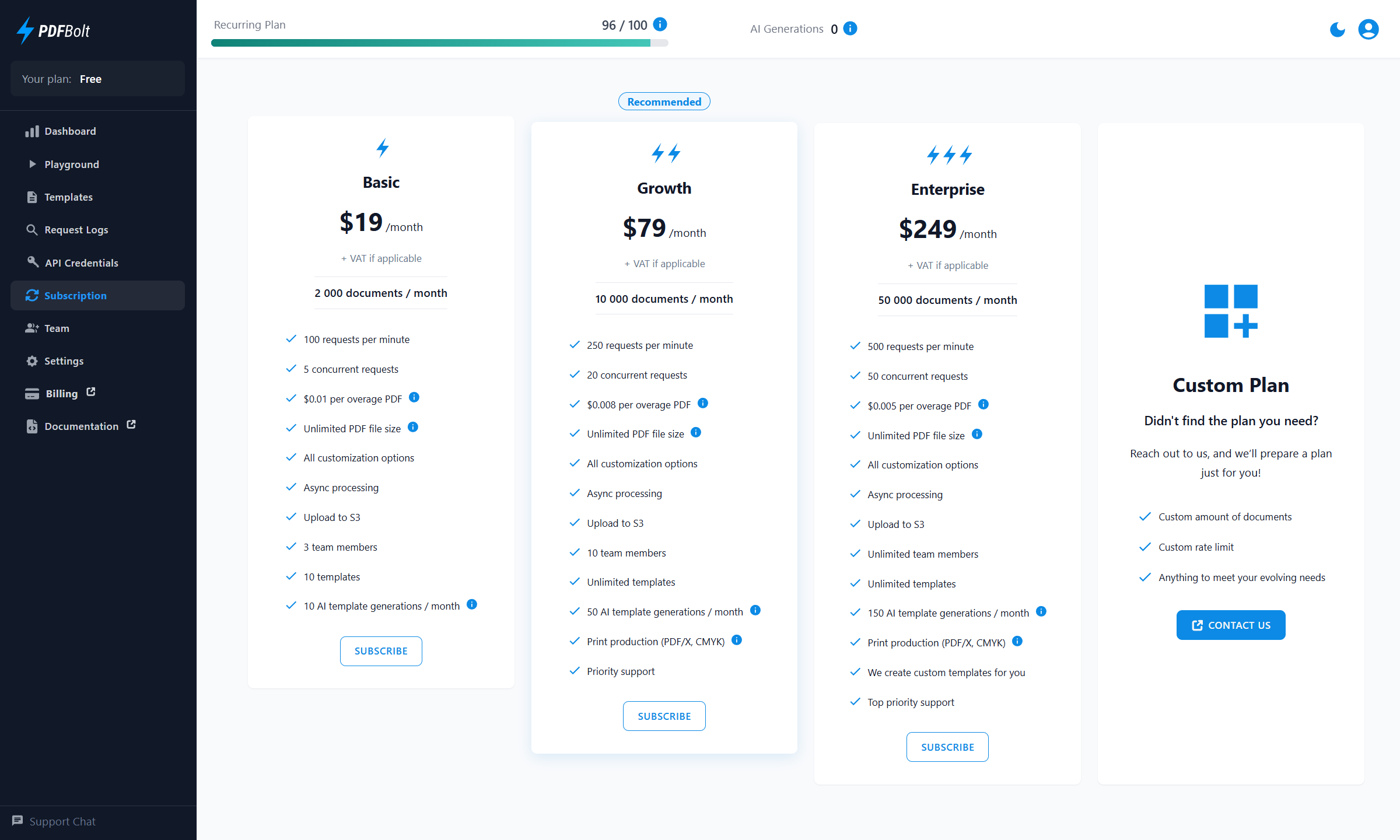
The Subscription section lists available recurring plans while your account is on the Free plan. After you subscribe, it shows your current subscription and provides access to the Stripe Customer Portal.
Only team Admins can access the Subscription section. Team Members can manage API credentials and view logs, but they cannot manage the subscription or billing.
Choose a Plan
If your account is on the Free plan, the page lists available recurring plans. Click Subscribe under the plan you want. If prompted, complete the customer information form, then continue to Stripe Checkout.
The form collects your billing email, business or individual details, billing address, and a Tax ID when applicable.
If none of the listed plans fits your needs, use the Custom Plan card to contact PDFBolt.
Active Subscription Details
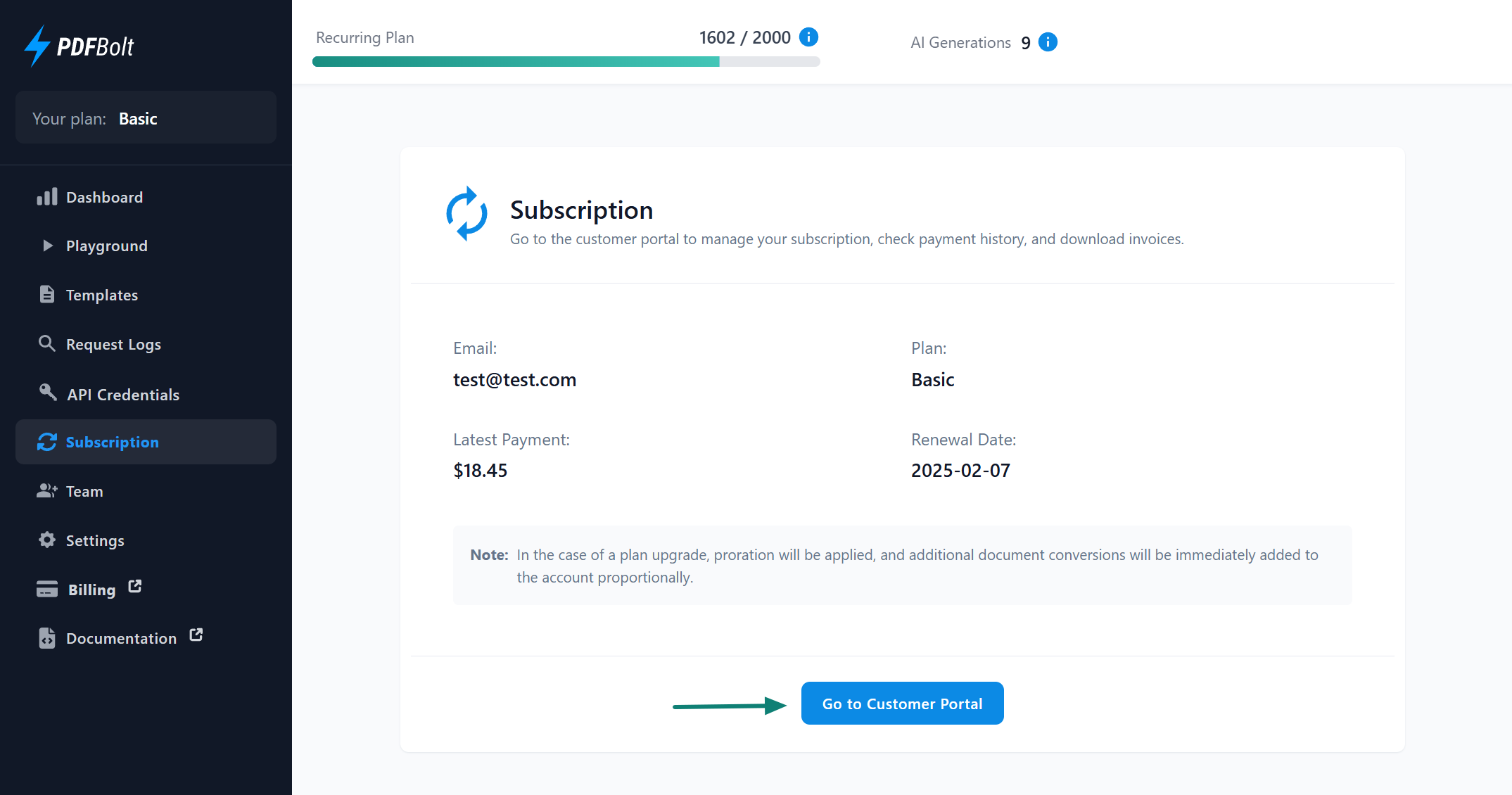
Once your subscription is active, the Subscription page shows:
- Billing email.
- Current plan.
- Latest payment.
- Renewal date.
- Overage document conversions and estimated overage cost, if overage has been used.
Plan upgrades are prorated, and additional document conversions are added to your account as soon as the upgrade payment succeeds.
Customer Portal
Click Go to Customer Portal to open the Stripe-hosted Customer Portal. Use it to manage your subscription and billing details.
In the Customer Portal, you can:
- Change your plan: Switch to another available plan.
- Cancel your subscription: Schedule cancellation through Stripe. Your subscription remains active until the end of the current billing period.
- Update billing details: Change payment methods and billing information.
- View payment history: Review past transactions.
- Download invoices: Save invoices for your records.